Are You Misreading Gadget Comparison Charts and Benchmarks? A Practical Buyer’s Guide to Real-World Smart Home, Wearable & Travel Performance
You have probably scrolled through glossy gadget comparison charts and benchmarks and felt confident that the highest number must equal the best pick. Yet have you ever bought a device that looked unbeatable on paper but stumbled in your daily routine? Numbers can reveal potential, but they can also hide trade-offs that shape your experience at home, on your wrist, or in your carry-on. This friendly, practical guide shows you how to read the data without being misled, then translate it into choices that genuinely fit your life. Throughout, High Tech Reviews shares the methods we use in our in-depth gadget reviews and comparisons to turn lab figures into reliable everyday advice you can trust.
Lab Scores versus Lived Experience: What the Numbers Miss
Benchmark charts summarize complex engineering into a single score that is convenient but incomplete. Think of it like choosing a car only by horsepower; it tells you something, but it does not cover handling, comfort, or fuel economy. In smart homes, a hub might ace throughput tests and still introduce tiny delays that make lights feel sluggish when you step into a hallway at night. In wearables, a watch can top processing ranks and still misread interval workouts because the optical sensor struggles with motion and sweat. In travel gear, a compact charger might advertise high total wattage yet reduce speed when you plug in a second device, leaving your laptop short during a layover. These are not rare corner cases. Independent field studies often show that synthetic peaks rarely match sustained performance during longer tasks, and consumer research indicates many returns stem from usability gaps rather than outright defects.
- Peak versus sustained performance: brief bursts look great in charts, while your routines rely on consistency over minutes or hours.
- Thermals and throttling: slim designs can heat up and slow down, which a single headline number rarely reveals.
- Connectivity quality: Wireless Fidelity (Wi-Fi) strength and interference decide whether automations feel instant or awkward.
- Sensor realities: heart rate and sleep tracking hinge on fit, skin tone, motion, and algorithms, not only raw compute.
- Power sharing: rated charging totals may shift based on how many devices you attach and which ports you use.
How to Read Gadget Comparison Charts and Benchmarks Without Being Misled
Charts are useful when you know what they do and do not measure. First, read the test description and ask what scenario it simulates. Does a battery test reflect light background use or heavy navigation with screen brightness raised? Next, look for sustained results over time, not only short runs that favor brief peaks. Then, check sample sizes and variance: a median with a narrow spread signals consistency, while wide swings suggest real-world unpredictability. Also, look for signs of thermal limits and connection reliability, especially if your home has thick walls or many overlapping networks. Finally, translate every metric into a daily moment. If a wearable’s top speed matters less to you than comfortable sleep tracking, then give that comfort and accuracy more weight than a general performance score. At High Tech Reviews, we pair measurements with scenario testing, so our in-depth gadget reviews and comparisons explain not just what a number is, but when it matters to you.
| Chart Metric | What Labs Measure | Real-World Watchouts | Try This at Home |
|---|---|---|---|
| Processing score | How quickly the device completes fixed tasks | Brief peaks may hide slowdowns during longer sessions | Open multiple apps, run updates, and note if responsiveness is steady |
| Graphics score | Rendering speed for visual workloads | Battery drain and heat can climb during maps and animation | Use navigation and zoom maps for 10 minutes to assess smoothness |
| Battery endurance | Time until shutdown under a standard workload | Settings, signal strength, and background sync change results | Track percentage drop during your typical morning routine |
| Wireless throughput | Maximum data rate near an access point | Walls, interference, and antenna design reduce speed and stability | Test in the farthest room you use, not only next to the router |
| Charging wattage | Advertised total power delivery | Power splits when multiple devices connect | Charge two devices at once and time the first 30 percent |
| Sensor accuracy | Controlled measurements in steady conditions | Motion, sweat, and fit degrade wearable accuracy | Compare resting readings before and after a brisk walk |
Smart Home, Wearables, and Travel Gear: Which Real-World Factors Outweigh the Lab


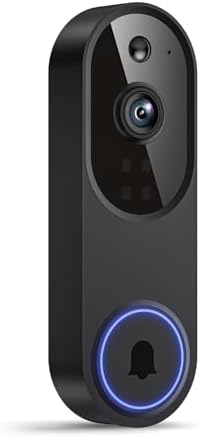
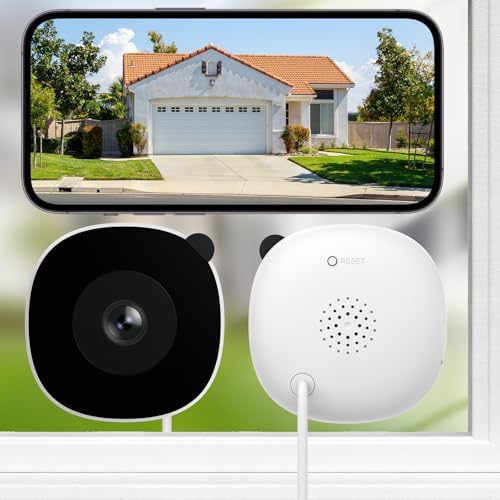
Smart home devices live in imperfect spaces with doors closing, microwaves humming, and family members streaming. Here, stability and latency matter more than theoretical speed, because a half-second delay can make lighting feel wrong. Look for strong range, reliable handoffs across rooms, and interoperability with standards like Matter that protect your investment as your setup grows. Wearables touch your skin and routine for many hours, so comfort and sensor trustworthiness rise above raw compute. A watch that feels great and tracks sleep consistently will serve you better than one that tops a synthetic performance table but bothers your wrist or misses peaks in a workout. Travel gear must combine power, safety, and portability. A charger should deliver consistent output to two devices at once, stay cool to the touch, and pack neatly without adding weight that you notice at gate changes. In each category, the right choice is the one that fades into the background and simply works when you need it.
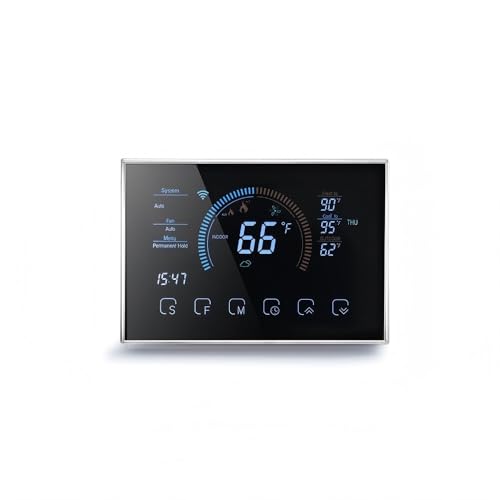
- Smart home priorities: reliable latency, range through walls, resilient automations, and future-ready standards integration.
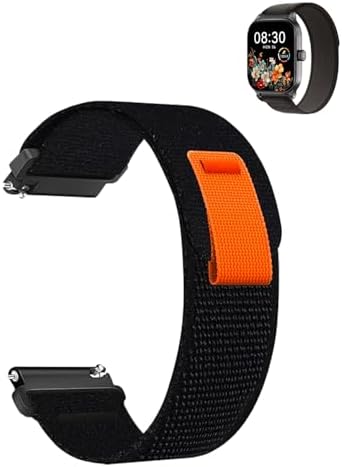
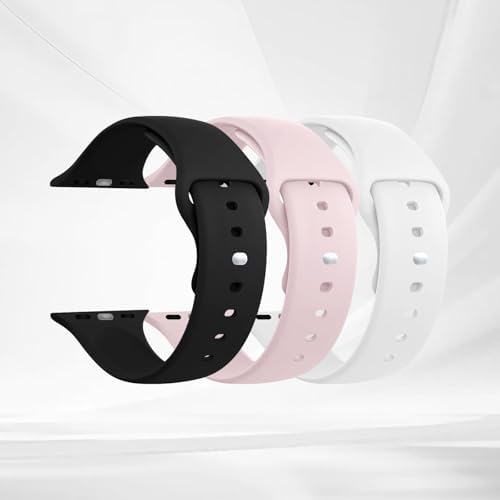
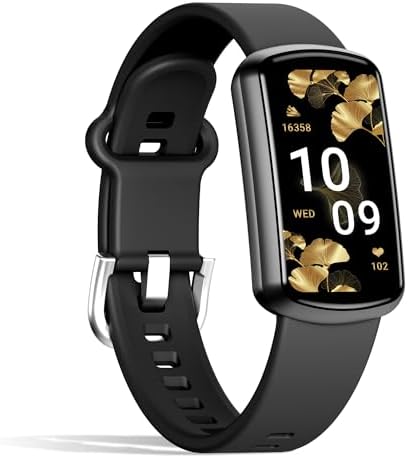
- Wearable priorities: comfort, skin sensor stability, sleep and heart tracking consistency, and readable displays in sunlight.
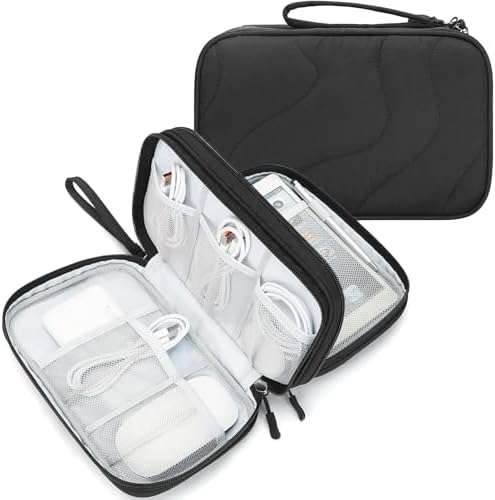
- Travel priorities: safe multi-device power, compact design, heat management, and plug shape that fits seats and hotel outlets.
Build Your Personal Scorecard: A Versus Framework for Your Life
Because your needs are unique, the most useful comparison is not Product A versus Product B, but your priorities versus the lab’s priorities. A personal scorecard helps you map numbers to what matters day to day. Start by listing your top tasks, then weight dimensions such as reliability, comfort, battery or power endurance, and privacy. Next, pull the chart metrics that correlate to each dimension and add a quick field test you can run at home. Finally, compute a weighted total and note any non-negotiables like emergency reliability or secure data handling. At High Tech Reviews, our guides include ready-to-use worksheets like the one below, so you can adapt scores to your lifestyle rather than bending your life around a score.
| Dimension | Why It Matters | Suggested Weight Smart Home | Suggested Weight Wearables | Suggested Weight Travel |
|---|---|---|---|---|
| Reliability and latency | Automations feel instant and repeatable | 30 | 20 | 10 |
| Performance under load | Sustained speed during multitasking | 15 | 10 | 10 |
| Battery or power endurance | Fewer charges, steady output when traveling | 10 | 20 | 20 |
| Compatibility and ecosystem | Works with your current devices and standards | 20 | 10 | 10 |
| Ease of use | Setup speed, app clarity, and intuitive controls | 10 | 15 | 10 |
| Privacy and security | Protects data and supports timely updates | 10 | 10 | 10 |
| Portability and build | Comfort on the wrist or in your bag | 0 | 10 | 25 |
| Price to value | What you get for what you pay | 5 | 5 | 5 |
Field Tests You Can Do Today: Lab Numbers versus Everyday Tasks

Simple, repeatable checks reveal how a device behaves in your environment and routines. They do not replace professional testing, but they complement charts by stressing the exact scenarios you care about. Run the tests below and write down a few quick notes. Repeat on another day to see if results are consistent. If a gadget feels steady and you can explain why it wins your personal scorecard, you are far more likely to enjoy using it six months from now. This is the same logic High Tech Reviews applies: we match structured measurements with lived moments so our in-depth gadget reviews and comparisons read like a map, not just a scoreboard.
| Category | Task | Steps | Good Result | Caution |
|---|---|---|---|---|
| Smart home | Automation chain latency | Trigger a sensor to turn on lights, then a fan, and log the delay between each step | Each action feels immediate, ideally under one second | Thicker walls and congested Wireless Fidelity (Wi-Fi) can add delay |
| Smart home | Range and stability | Move to the farthest room and trigger the same routine 5 times | All five runs complete without missed steps | Interference from neighbors can vary by time of day |
| Wearable | Rest to brisk walk transition | Sit for two minutes, then walk quickly for three minutes and check heart rate trend | Clear rise and fall pattern with minimal lag | Fit and skin contact strongly affect readings |
| Wearable | Sleep comfort check | Wear overnight and note pressure points or strap marks in the morning | No soreness and clean data the next day | Loose straps can distort sleep stages |
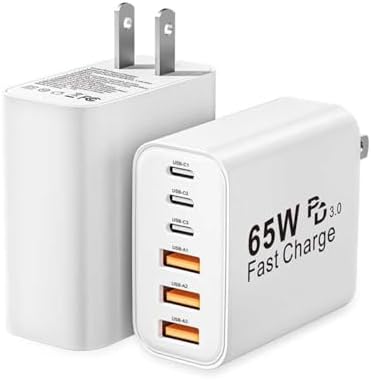
| Travel gear | Two-device charging | Plug in a laptop and phone together, time a 30 percent charge on the phone | Speed stays similar to single-device charging | Some chargers reduce output when multiple ports are used |
| Travel gear | Heat and noise check | Charge for 15 minutes and hold the charger, listening for coil noise | Warm is fine, hot or noisy is not | Excess heat reduces longevity and performance |
Where High Tech Reviews Fits: From Benchmarks to Better Buying
Consumers often struggle to find reliable information and detailed reviews to choose the most suitable high-tech gadgets and accessories that match their needs and lifestyle. High Tech Reviews is built to solve that problem. We blend structured measurements with human-centered evaluation so you understand both the score and the story. Our in-depth gadget reviews and comparisons share expert commentary on trending high-tech tools, comprehensive guides for smart home and fitness devices, and a curated selection of travel and lifestyle accessories. We run sustained tests that mirror daily routines, log consistency, and note ergonomics alongside lab results. We then translate all of that into practical checklists and ready-to-use scorecards, avoiding brand battles and focusing on your experience. The result is simple: The website provides expert reviews, product highlights, and curated recommendations that help users make informed purchasing decisions and discover the best technology solutions. If you want to feel certain that tomorrow’s purchase will still fit your life next year, our guides are designed for you.
- Scenario-first methods: we weight reliability, comfort, and privacy as highly as raw performance.
- Clarity over hype: every metric is explained in plain language and linked to a real task.
- Tools you can use: printable scorecards and step-by-step field tests align with your priorities.
- Category depth: smart home stability, wearable accuracy, and travel power safety are covered in detail.
Gadget Comparison Charts and Benchmarks: Your Questions Answered
Do charts still matter if they miss real-life nuance? Absolutely, because they spotlight potential and filter obvious mismatches, especially when vendors provide consistent, repeatable methods. Are higher numbers always better? Not if they trade comfort, stability, or battery endurance for a fractionally faster task you rarely run. How do you weigh privacy and security? Look for clear policies and long support windows, then assign meaningful weight on your scorecard; long-term updates can be worth more than a small performance uplift. Finally, if you feel overwhelmed, remember that High Tech Reviews exists to bring calm to the chaos with unbiased explanations and actionable advice that meets you where you live, work, and travel.
Numbers point the way, but your daily patterns decide the winner. In the next 12 months, more devices will add on-device Artificial Intelligence (AI [Artificial Intelligence]) features that change how we measure speed, accuracy, and privacy. When you face a wall of charts again, which real-world moment will you protect first?
And when you skim gadget comparison charts and benchmarks next time, which single metric will you put in context before everything else?
Additional Resources
Explore these authoritative resources to dive deeper into gadget comparison charts and benchmarks.
Decode Benchmarks with High Tech Reviews: Real-World Confidence
Get in-depth gadget reviews and comparisons, product highlights, and curated recommendations to help adults and tech-savvy consumers choose smart home, wearables, and travel tech confidently.










![Illustration for Transportation Security Administration [TSA] and Global Plug Tips: Pack Smart, Charge Anywhere related to travel friendly usb c chargers with multiple ports](https://i0.wp.com/admanager-ai.s3.us-east-1.amazonaws.com/seopro-blog-inline-images/d70f5900-ad97-44ea-985d-013146a30983.png?w=525&ssl=1)